61 West Games
Bones
A roguelite dominoes circuit.
Dominoes where the bones bend the rules. Play a chain, hit the score, spend your shells on charms, and work your way around a circuit of Caribbean tables, from a village verandah to carnival night.
How it plays
Easy to pick up, deep enough to plan.
01
Spots × Beat
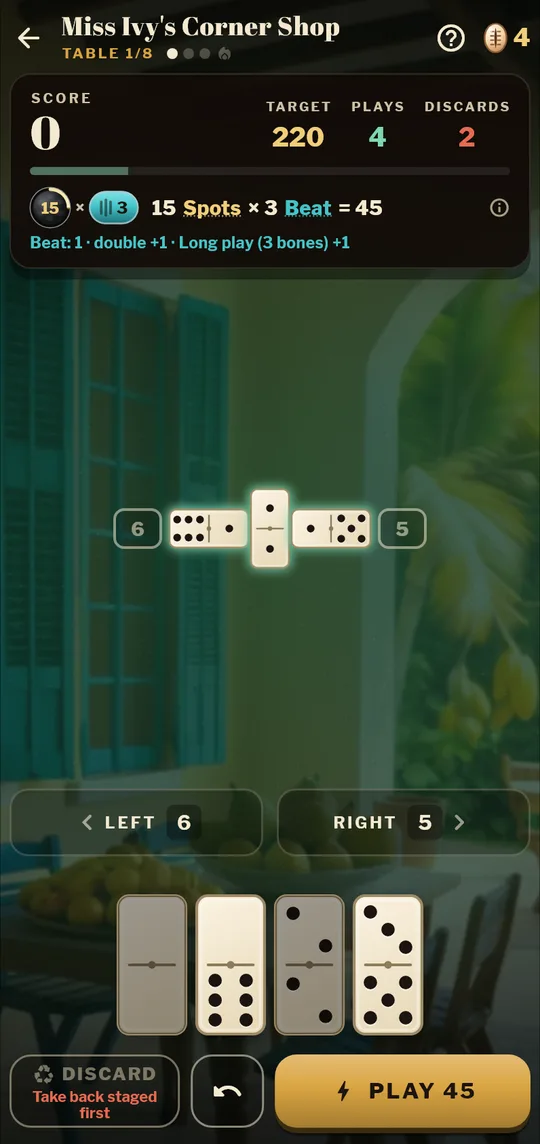
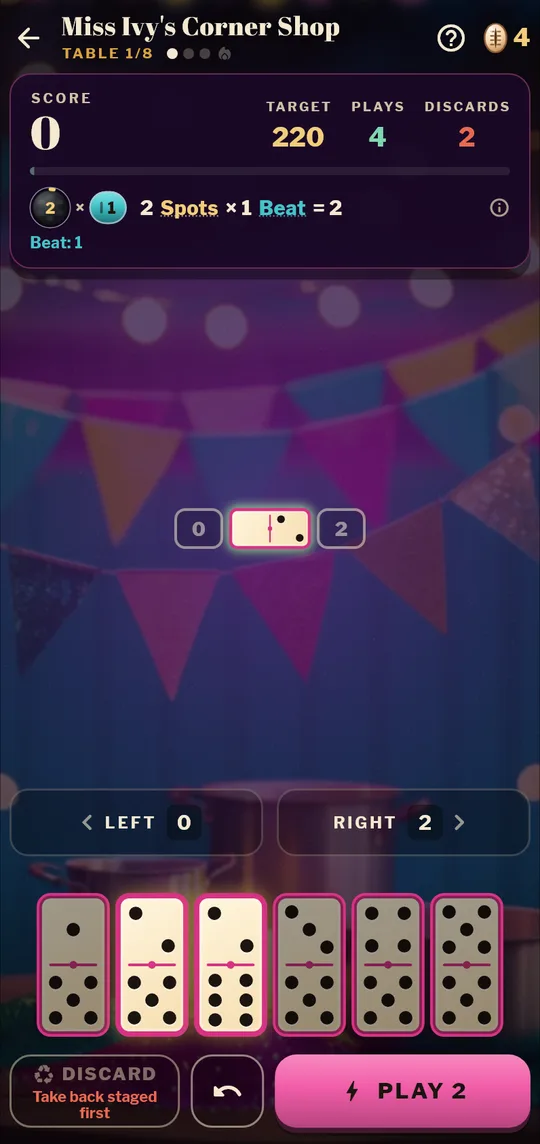
Lay bones to match the ends. Your score is the Spots you play times the Beat: doubles, long plays and Fives push the Beat up. One good play can be worth ten ordinary ones.
02
A run, not just a round
Eight tables, three rounds and a boss at each. Win shells, spend them on charms and bone upgrades between rounds, and build a set that plays your way.
03
Duels and daily play
Take on a ladder of village characters with both hands face up, play the same Daily Island as everyone else, or send a friend a challenge code for the exact same deal.
Fair to players
Pay once, play fair.
- Free to try, with a one-time unlock for the full game.
- Daily Island is fully free: all eight tables for everyone, on one shared leaderboard.
- No loot boxes, no energy timers, no ads, nothing that buys a better score.
- Made for all ages: original art and music, no gambling themes, no chat.
- Sign-in is optional (players 13 and over). Play as a guest, or sign in to back up your progress.
Good to know
- Bones is in beta testing on Android, with the App Store to follow. Want to try it early? Get in touch.
- See how Bones handles player data, sign-in and cloud saves in the games privacy policy.
- Questions or support: hello@61westlabs.co.uk, or see Support below.
- Made by 61 West Labs Ltd, a UK studio. More from us on the games page.
Support
Need a hand?
Help with Bones: getting in touch, restoring purchases, and deleting your data.
01
Contact us
Email hello@61westlabs.co.uk with any question, bug or problem. Tell us your phone model and what happened, and we’ll get back to you.
hello@61westlabs.co.uk02
Restore purchases
Purchases belong to your Google Play or App Store account, not to a Bones account. On a new phone, or after reinstalling, sign in to the same store account, open Bones and tap Store, then Restore (also in Settings). Nothing to restore? Email us with the order number from your store receipt.
03
Delete your account and data
In the app: Settings, Account, Delete account. It deletes your sign-in link, cloud save, chosen name and all your leaderboard scores, and can also erase the progress on that phone. Playing as a guest? Deleting the app removes everything on your phone; to remove guest scores from the leaderboard, email us your leaderboard name and the date.
04
Privacy
No ads, no tracking and no selling of data. Sign-in keeps only an id from Google or Apple, never your email. Crash reports and stats are anonymous and can be switched off in Settings.
Games privacy policy